
Introduction
In today’s digital world, the internet has become a daily necessity. From online classes and social media to shopping and banking, everything happens online. While the internet makes life easier, it also brings many risks. Cybercrime, data theft, online scams, and privacy issues are growing every day. That is why learning cyber safety tips for beginners is more important than ever.
Many people think cyber safety is only for IT experts, but that is not true. Anyone who uses a smartphone, computer, or internet connection needs basic online safety knowledge. Even a simple mistake, like clicking a wrong link or using a weak password, can lead to serious problems. Hackers often target beginners because they are unaware of common threats.
This guide is written in simple language for students, professionals, and everyday users. It explains what cyber safety means, why it matters, and how you can protect yourself step by step. You do not need technical skills to follow these tips. With a little awareness and smart habits, you can stay safe online.
In this article, you will learn practical cyber safety tips for beginners, common mistakes to avoid, benefits of staying secure, and expert advice to strengthen your digital life. If you want to use the internet confidently and safely, this guide is for you.
What Is Cyber Safety?
Cyber safety refers to the practice of protecting your devices, personal data, and online identity from digital threats. It includes safe internet usage, secure passwords, privacy protection, and awareness of online risks.
In simple words, cyber safety means staying protected while using the internet. It helps you avoid hackers, viruses, scams, and identity theft. Cyber safety is not just about installing antivirus software. It also involves smart behavior and responsible online actions.
For beginners, cyber safety starts with understanding how online threats work. Cybercriminals use fake emails, harmful websites, and social engineering tricks to steal information. They may target your passwords, bank details, or personal photos.
By following basic cyber safety tips for beginners, you can reduce risks and enjoy a safer digital experience. It is all about being alert, informed, and cautious while online.
Why Is Cyber Safety Important?
Cyber safety is important because digital threats are increasing every year. As more people go online, cybercriminals find new ways to exploit users.
Here are some reasons why cyber safety matters:
First, it protects your personal information. Your name, phone number, address, and bank details can be misused if they fall into the wrong hands.
Second, cyber safety helps prevent financial loss. Online scams, fake websites, and phishing attacks can steal money quickly.
Third, it keeps your devices secure. Malware and viruses can damage your system, slow it down, or steal data.
Fourth, it protects your privacy. Social media oversharing can lead to stalking or identity misuse.
Finally, cyber safety gives peace of mind. When you know you are protected, you can use the internet confidently without fear.
Learning cyber safety tips for beginners is not optional anymore. It is a basic life skill in the digital age.
Detailed Step-by-Step Guide to Cyber Safety
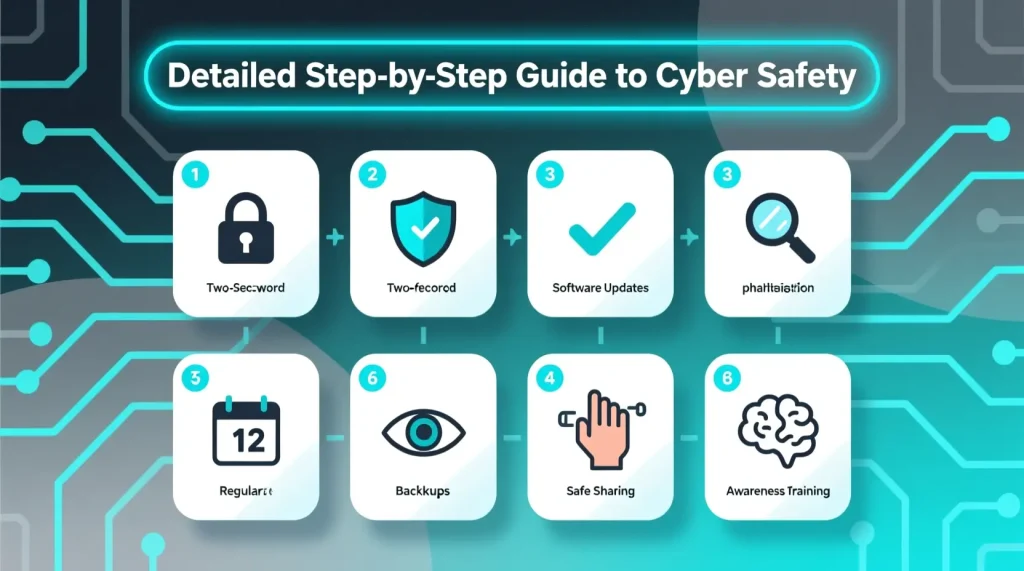
1. Use Strong and Unique Passwords
A strong password is your first line of defense. Avoid using simple passwords like “123456” or your name.
Use a mix of:
- Upper and lowercase letters
- Numbers
- Special symbols
Each account should have a different password. If one account is hacked, others remain safe. A password manager can help you store passwords securely.
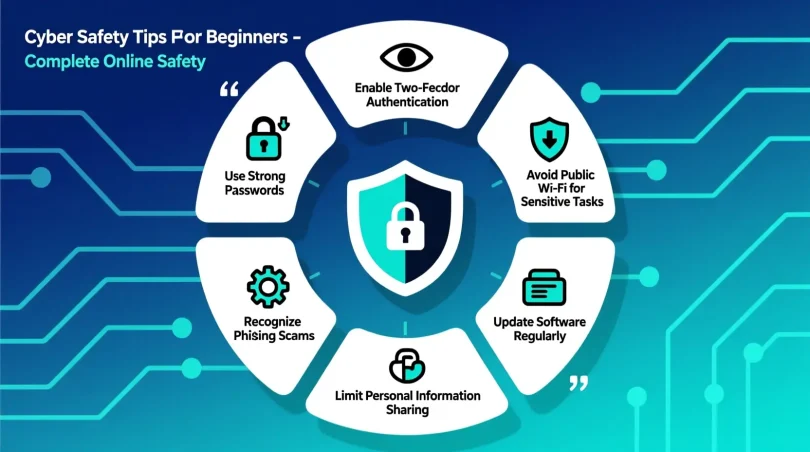
2. Enable Two-Factor Authentication
Two-factor authentication adds an extra security layer. Even if someone gets your password, they cannot log in without a verification code.
This code is usually sent to your phone or email. Always enable this feature for email, social media, and banking apps.
3. Be Careful with Emails and Messages
Phishing emails are common online scams. They look real but are designed to steal information.
Do not click on unknown links or download attachments from strangers. Check the sender’s email address carefully. If something feels suspicious, ignore it.
4. Keep Your Software Updated
Software updates fix security issues. Outdated apps and systems are easy targets for hackers.
Always update:
- Operating system
- Antivirus software
- Browsers
- Mobile apps
Turn on automatic updates for better protection.
5. Use Secure Internet Connections
Avoid using public Wi-Fi for sensitive activities like online banking. Public networks are often unsecured.
If you must use public Wi-Fi, avoid logging into important accounts. Using a trusted VPN can also improve safety.
6. Protect Your Personal Information
Do not share personal details openly on social media. This includes your address, phone number, school, or workplace.
Cybercriminals collect small pieces of information to create fake identities or scam you.
7. Download Apps from Trusted Sources
Only download apps from official stores like Google Play or Apple App Store. Avoid third-party websites.
Check app reviews and permissions before installing. If an app asks for unnecessary access, do not install it.
8. Use Antivirus and Firewall Protection
Antivirus software helps detect and remove threats. A firewall blocks unauthorized access to your system.
Keep both updated for maximum protection.
9. Log Out from Shared Devices
Always log out of accounts when using public or shared computers. Never save passwords on such devices.
10. Learn to Recognize Online Scams
Common scams include:
- Fake lottery messages
- Fake job offers
- Fake support calls
- Fake shopping websites
If an offer sounds too good to be true, it probably is.
Benefits of Cyber Safety
- Protects personal and financial information
- Reduces risk of online fraud
- Keeps devices secure and fast
- Builds digital confidence
- Prevents identity theft
- Ensures safe online communication
- Protects children and family members
- Improves overall online experience
Following cyber safety tips for beginners helps create a secure digital lifestyle and reduces stress caused by online threats.
Disadvantages / Risks
- Requires regular updates and attention
- Some security tools may slow devices
- Learning cybersecurity basics takes time
- Overconfidence can lead to mistakes
- Ignoring safety rules increases risk
Despite these minor challenges, the benefits of cyber safety are far greater than the risks.
Common Mistakes to Avoid
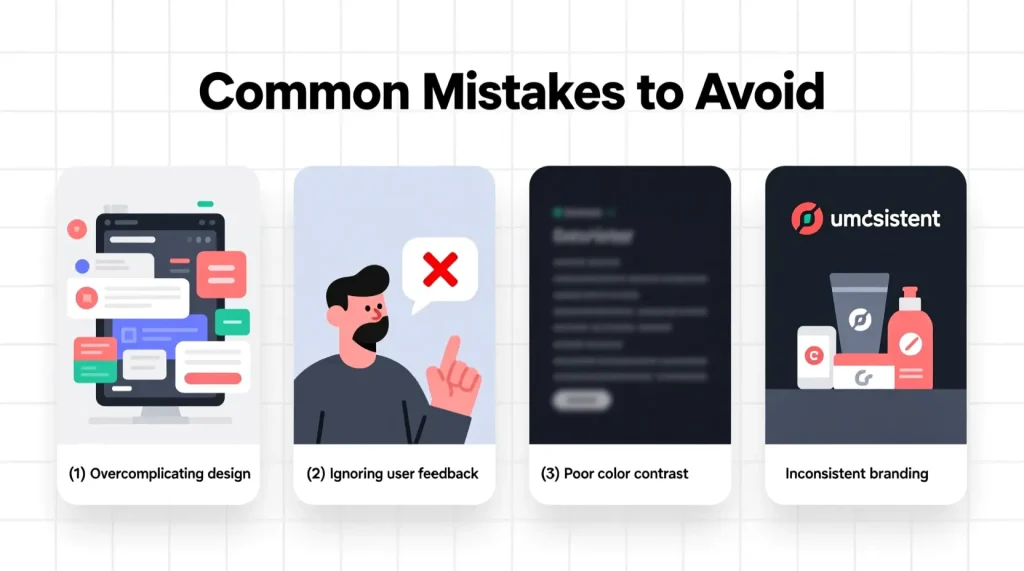
Many beginners make simple mistakes that can be easily avoided.
Using the same password everywhere is a major risk. One leak can expose all accounts.
Ignoring software updates is another common mistake. Updates fix security gaps.
Clicking unknown links without checking the source often leads to scams.
Sharing too much information on social media can invite trouble.
Trusting free offers and unknown websites is dangerous.
Avoiding these mistakes is an important part of learning cyber safety tips for beginners.
FAQs
1. What are cyber safety tips for beginners?
Cyber safety tips for beginners are basic rules and practices that help new internet users stay safe from online threats, scams, and data theft.
2. Why is cyber safety important for students?
Students use the internet for learning and socializing. Cyber safety protects them from cyberbullying, scams, and harmful content.
3. How can I protect my personal information online?
Use strong passwords, avoid sharing details publicly, enable privacy settings, and use secure websites.
4. What should I do if I click on a suspicious link?
Disconnect from the internet, scan your device with antivirus software, and change your passwords immediately.
5. Is antivirus software necessary?
Yes, antivirus software helps detect malware, viruses, and harmful files, providing an extra layer of protection.
6. Can cyber safety prevent hacking completely?
While nothing is 100 percent secure, following cyber safety tips for beginners greatly reduces the risk of hacking.
Expert Tips & Bonus Points
Always think before you click. One second of caution can save you from big trouble.
Use different emails for personal and work purposes.
Regularly back up your important data.
Teach family members about online safety, especially children and elders.
Check website URLs carefully before entering details.
Log out of accounts after use, especially on shared devices.
Stay updated with the latest cyber threats and safety practices.
Conclusion
Cyber safety is no longer optional in today’s digital world. Whether you are a student, professional, or casual internet user, understanding basic online protection is essential. Cyber threats are increasing, but so are the tools and knowledge to fight them.
By following these cyber safety tips for beginners, you can protect your personal information, avoid online scams, and use the internet with confidence. Simple habits like strong passwords, regular updates, and cautious browsing make a huge difference.
Remember, cyber safety is not about fear. It is about awareness and smart choices. The more you learn, the safer you become. Start applying these tips today and make cyber safety a part of your daily online routine. Staying secure online means staying in control of your digital life.